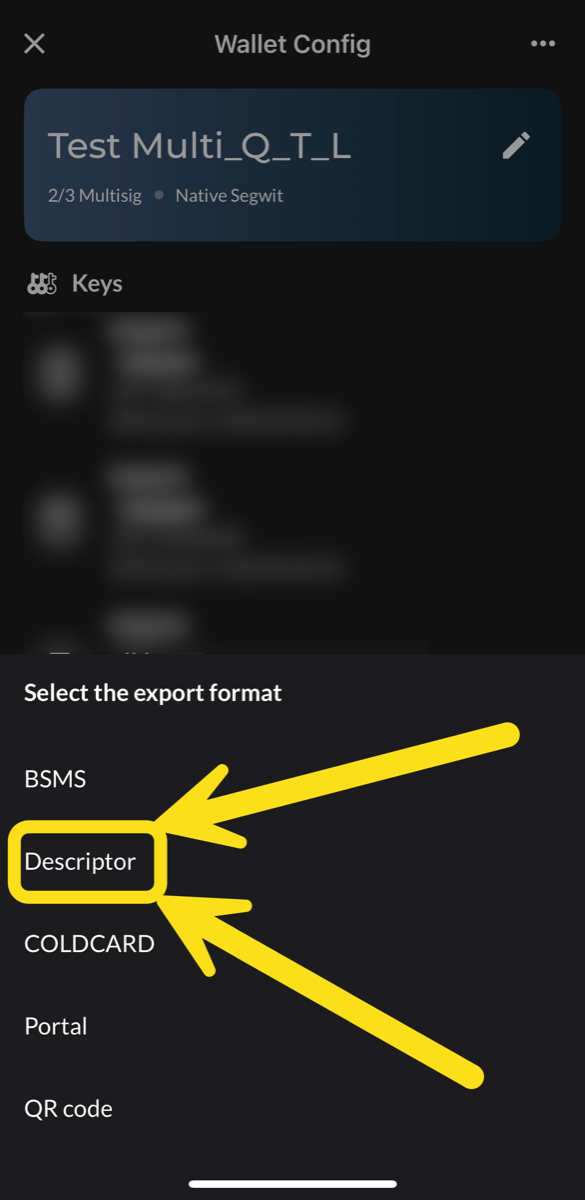
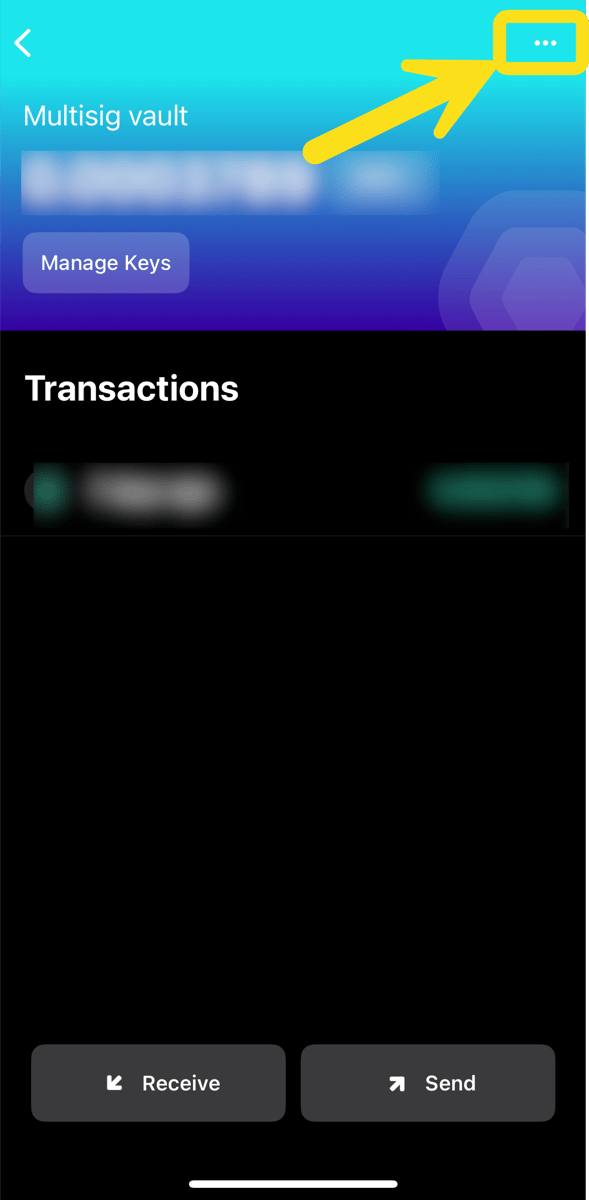
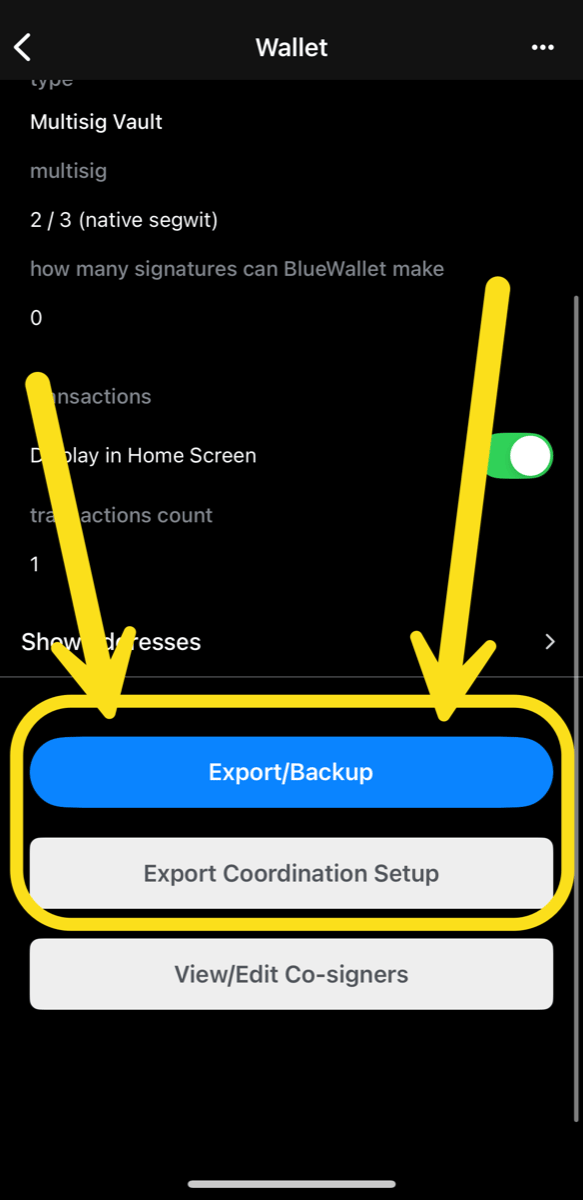
To add a multisig wallet to Prove, export its configuration from your coordinator. The export holds only public information: extended public keys, derivation paths, and the policy, such as 2 of 3. It never includes private keys.
Your wallet configuration reveals every address in the wallet. Never post it publicly. Share it only with apps you trust, and delete the file when you’re done. Never share your seed phrase or wallet backup.
Option 1: export a file (recommended)
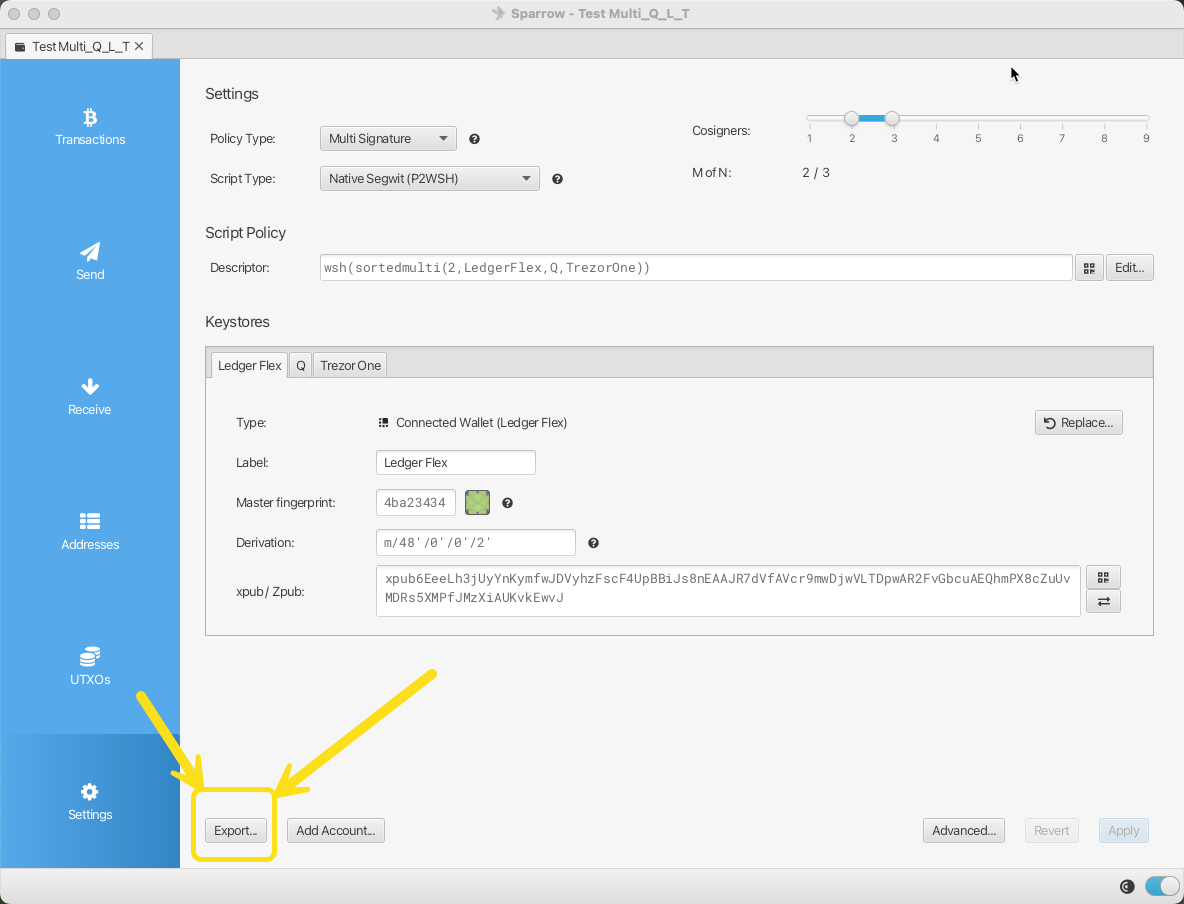
  1. Open your multisig wallet. Select Settings in the left menu.
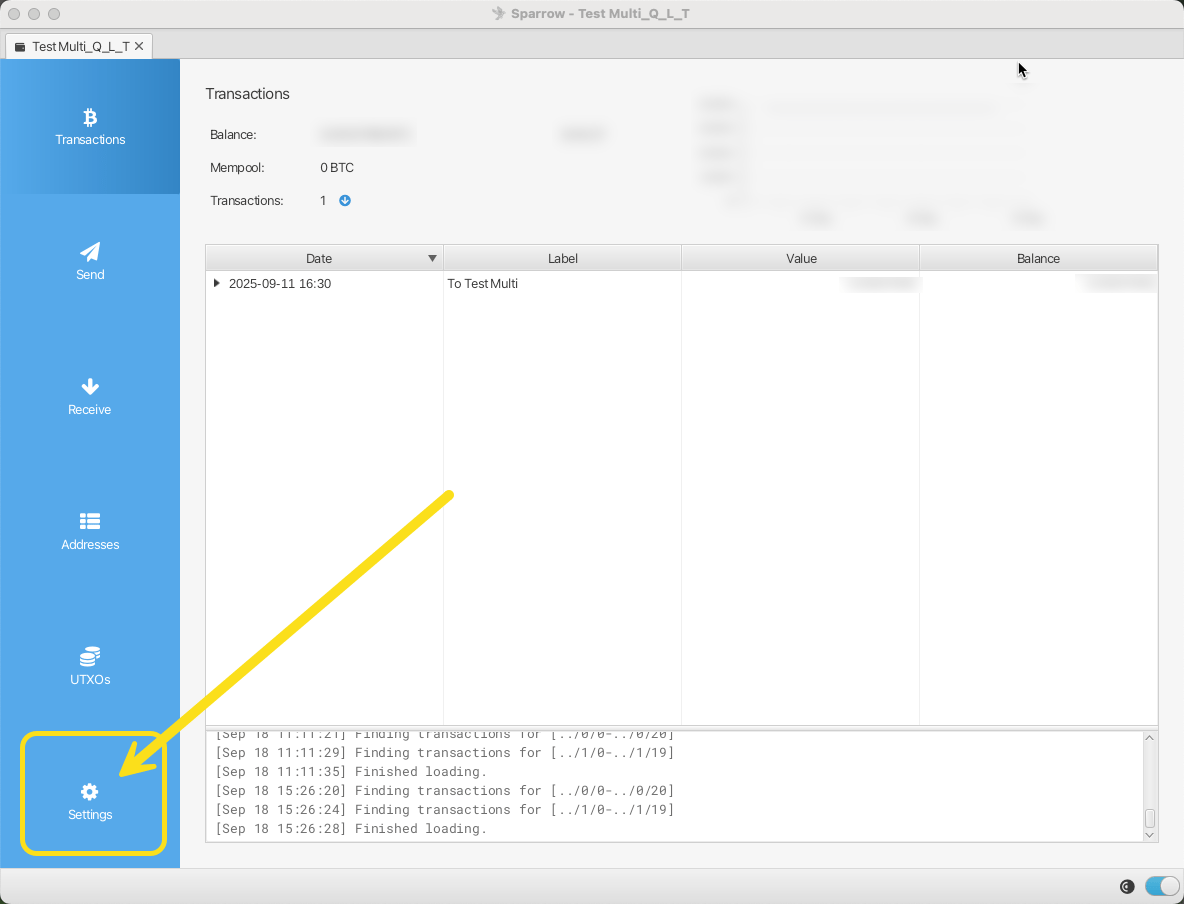
    Sparrow multisig wallet Settings
  2. Select Export at the bottom left.
    Export button in Sparrow Settings
  3. Choose Unchained Caravan Multisig. BlueWallet Multisig and Coldcard Multisig also work.
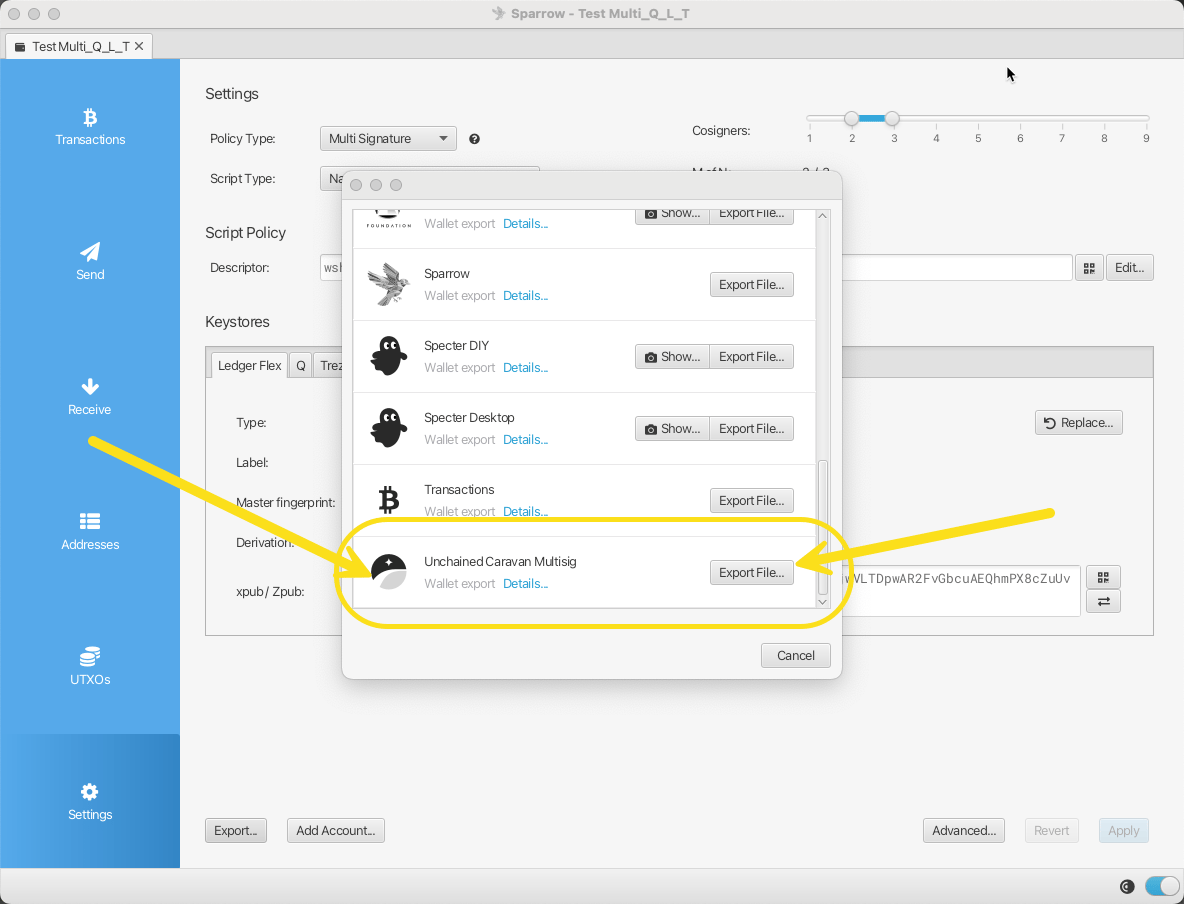
    Sparrow export format list
  4. Upload the file in Prove.
Option 2: copy the descriptor
  1. In Settings, find Script Policy. Select Edit.
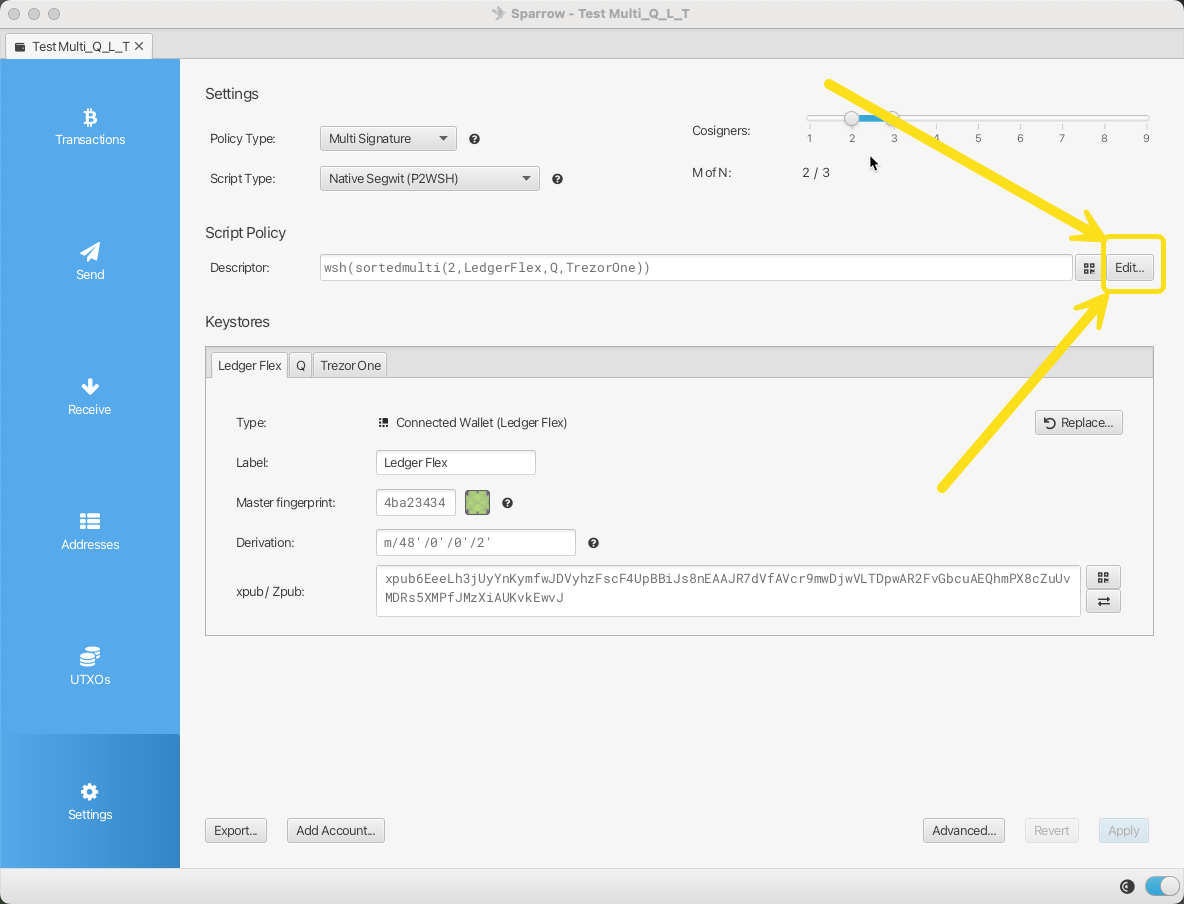
    Script Policy section with Edit button
  2. Copy the long descriptor text. Paste it in Prove.
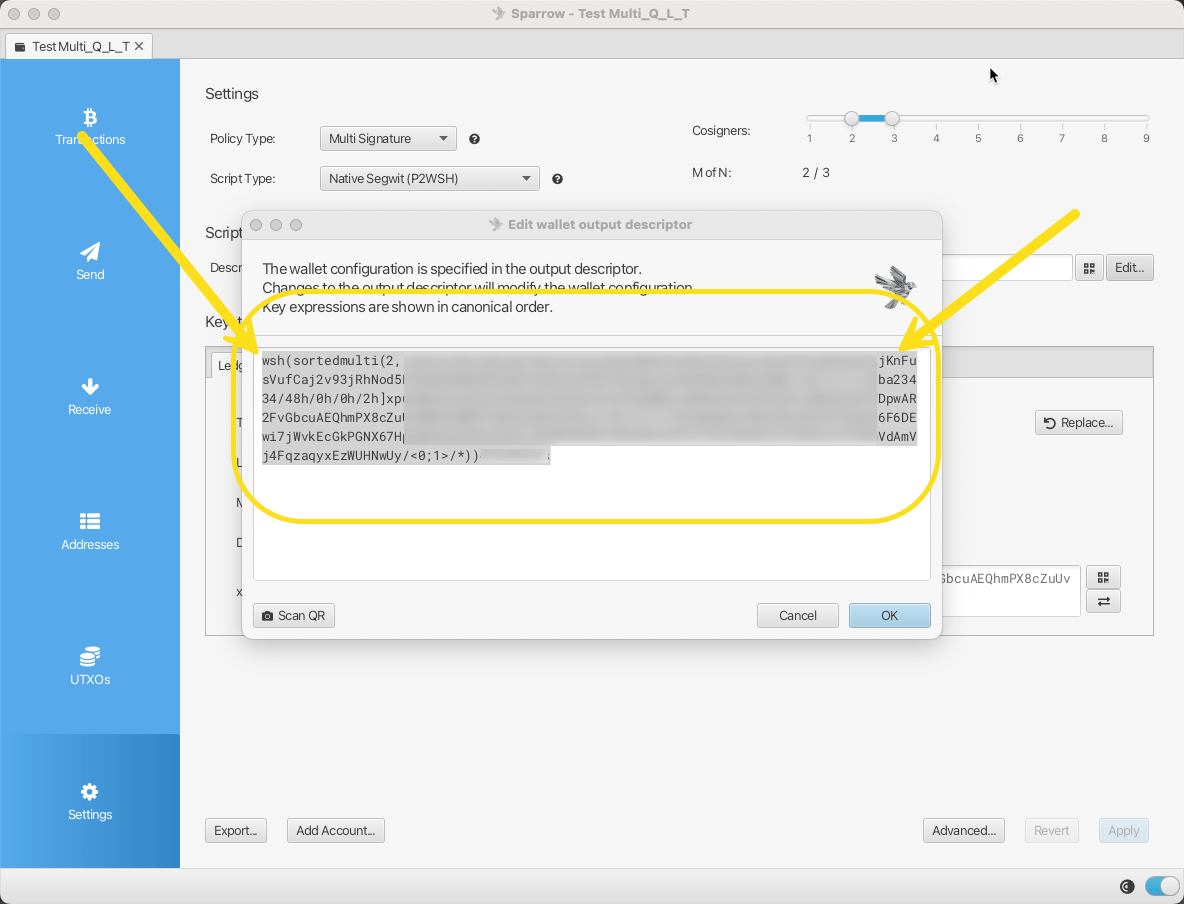
    Sparrow showing the wallet descriptor
Next, add the multisig claim.