Signing a message is not a transaction. It can’t move or spend your Bitcoin, and it doesn’t reveal your private key.
- Sparrow
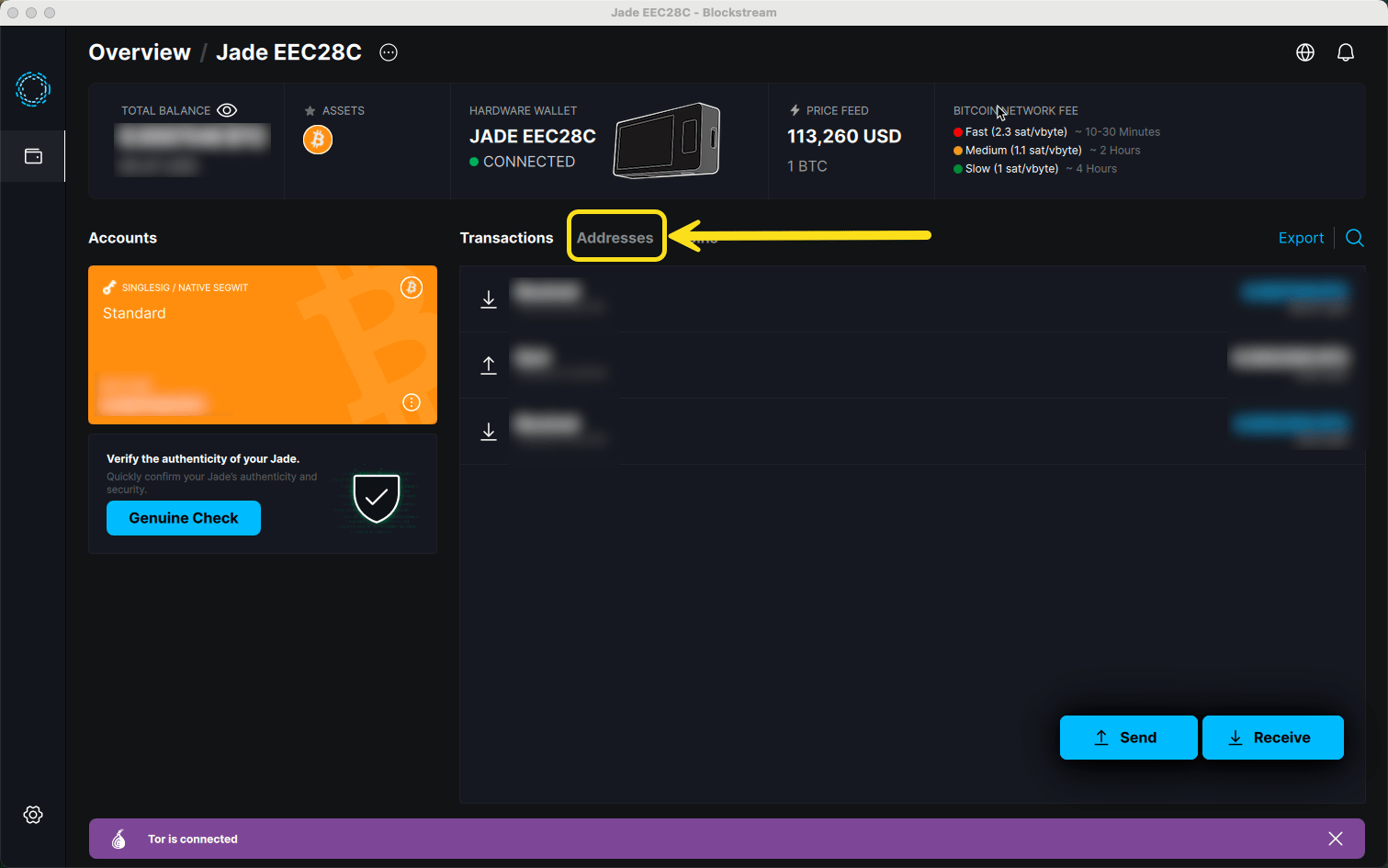
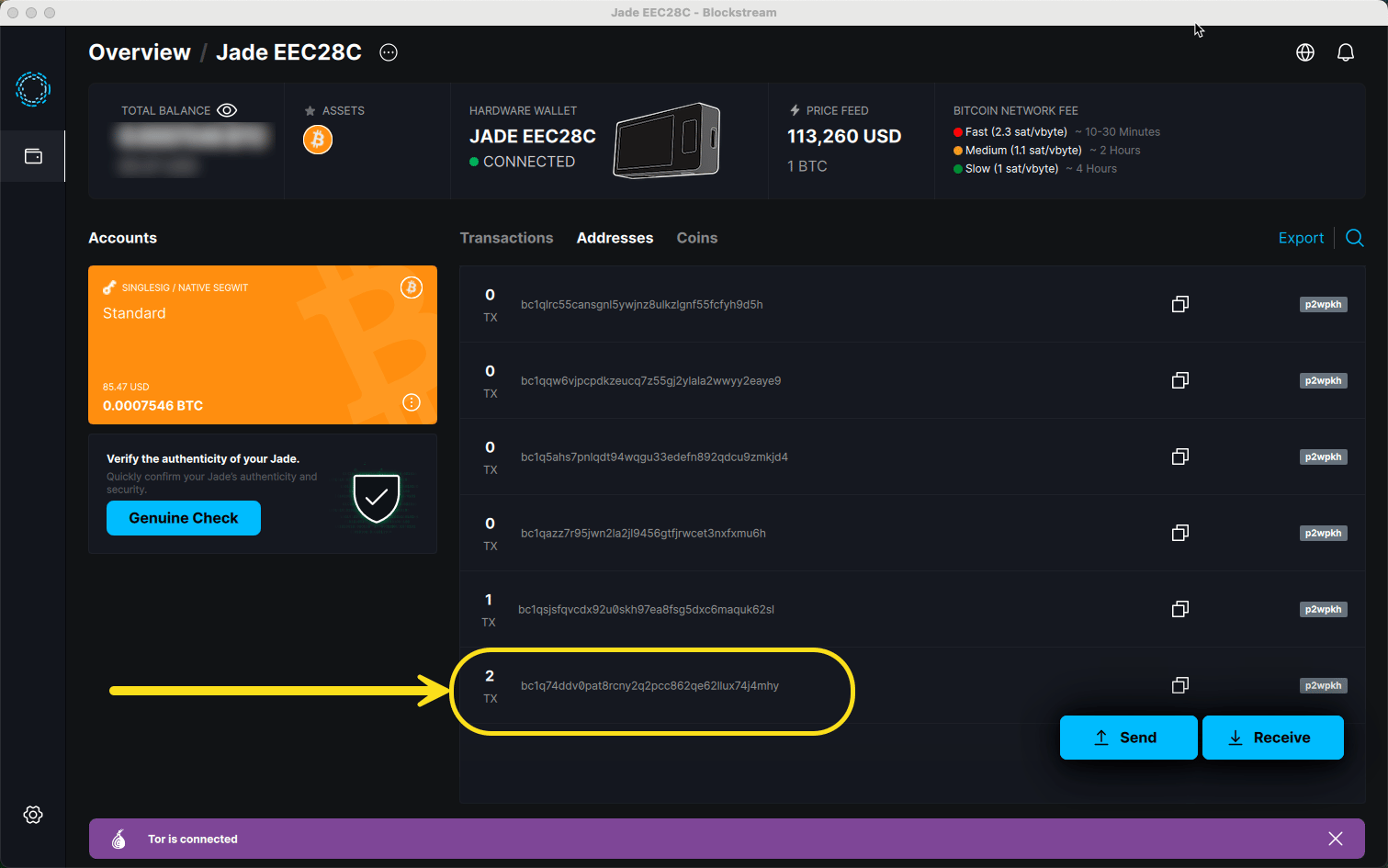
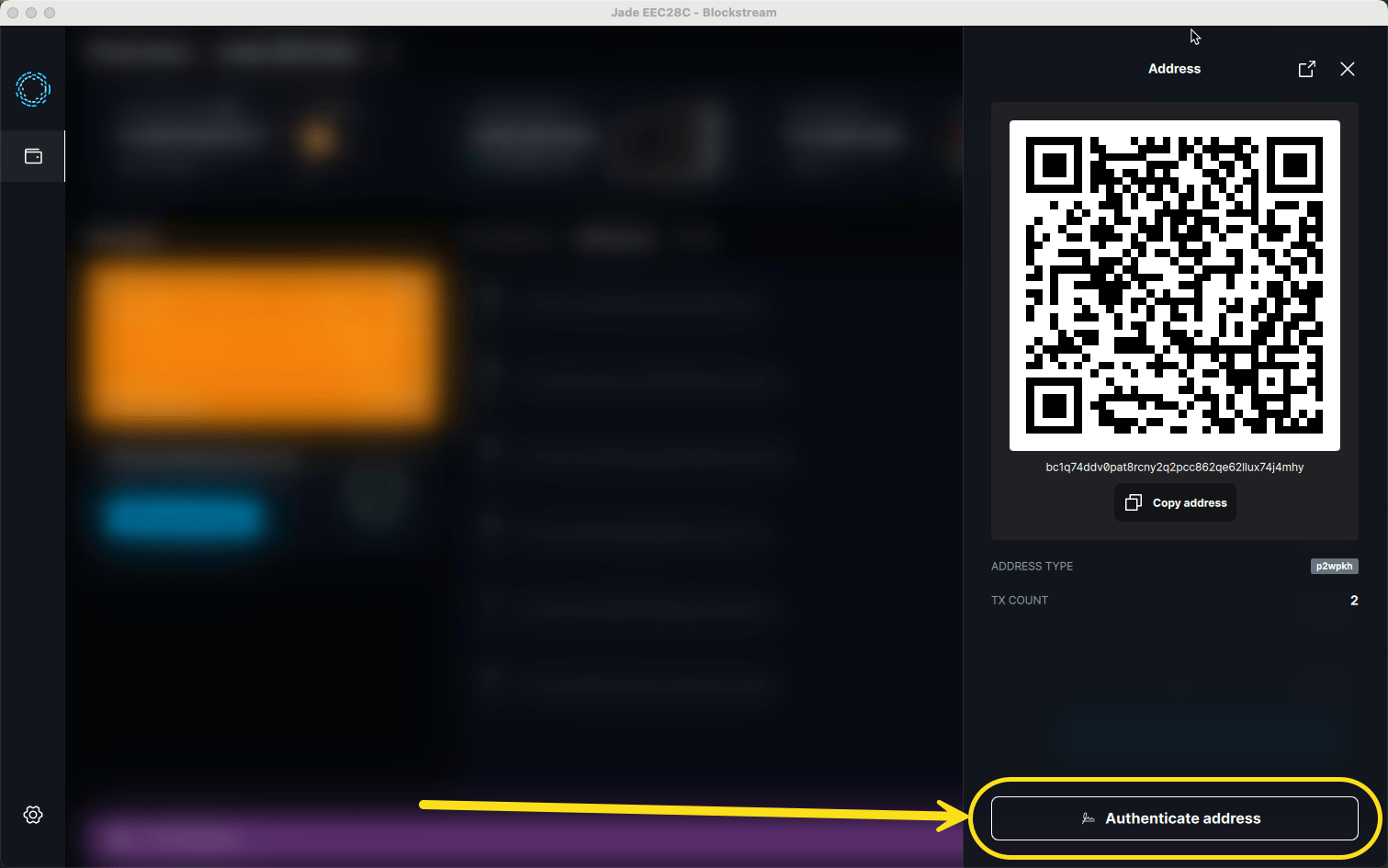
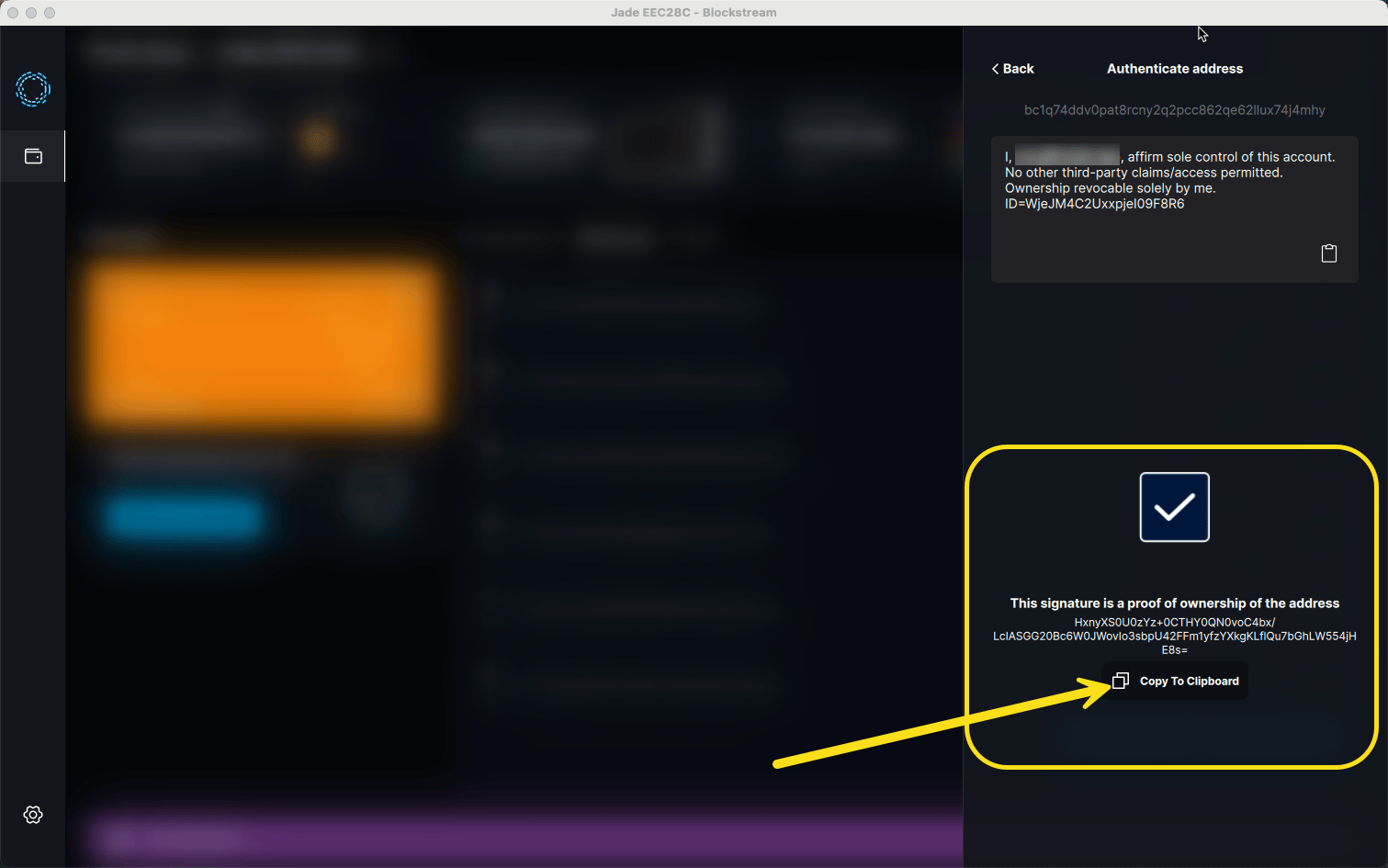
- Blockstream (Jade)
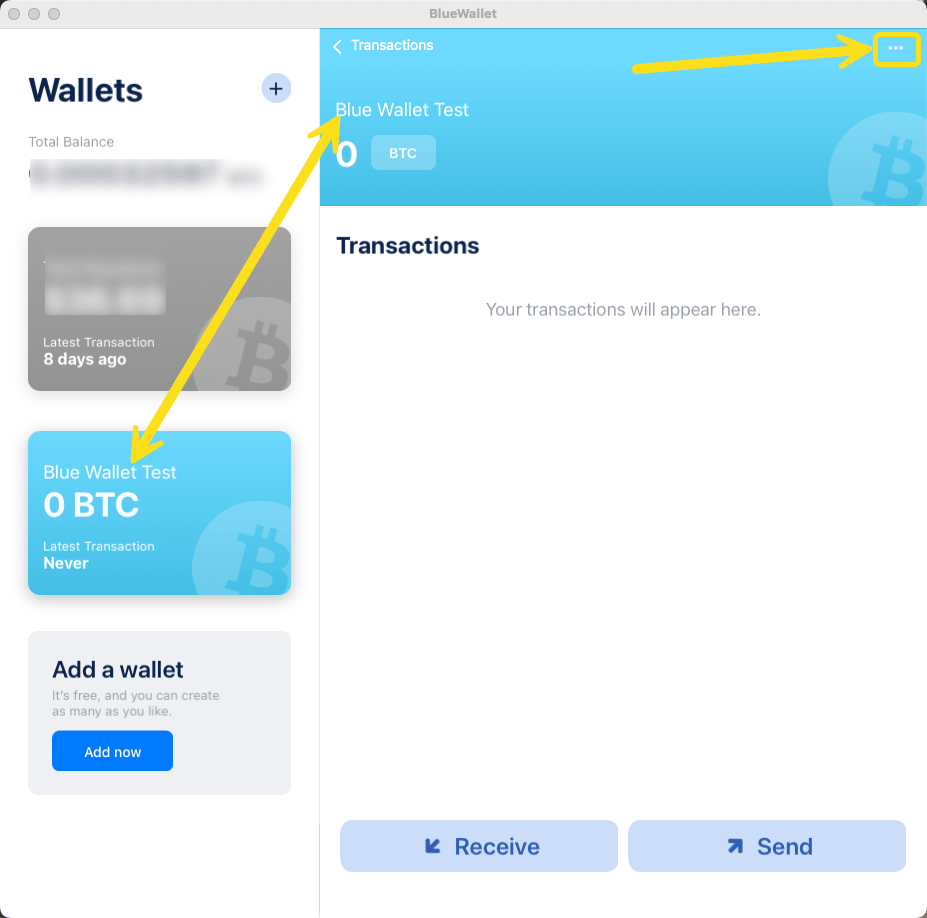
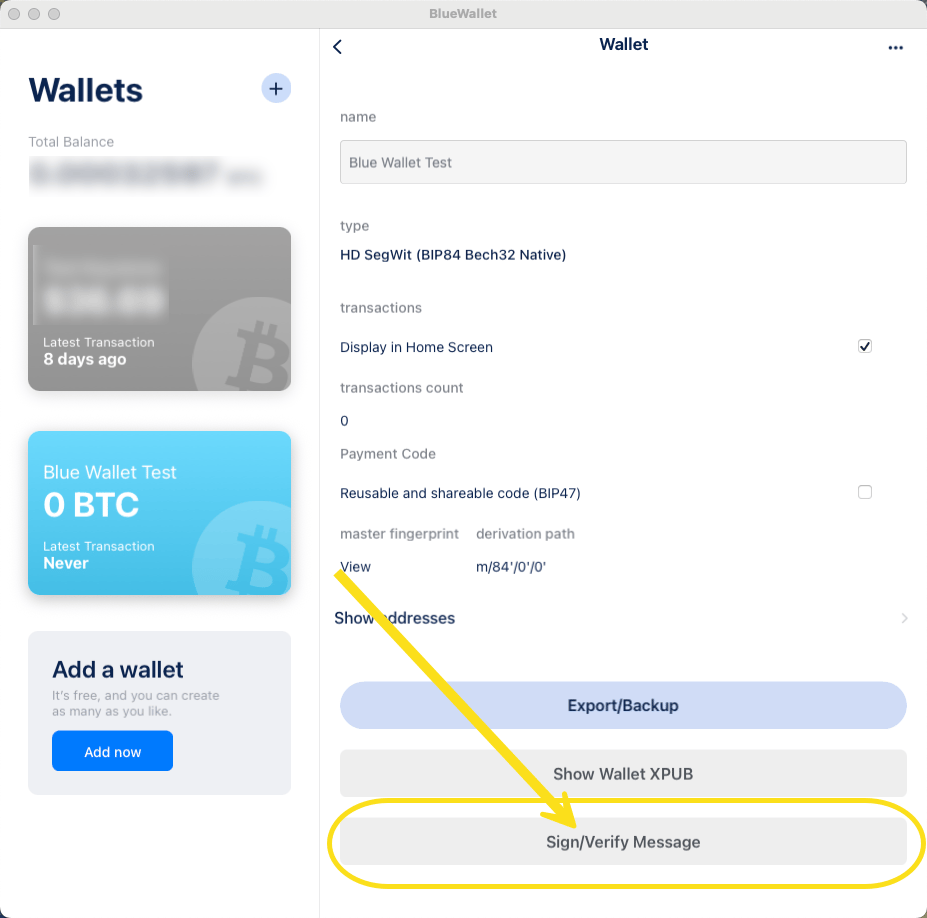
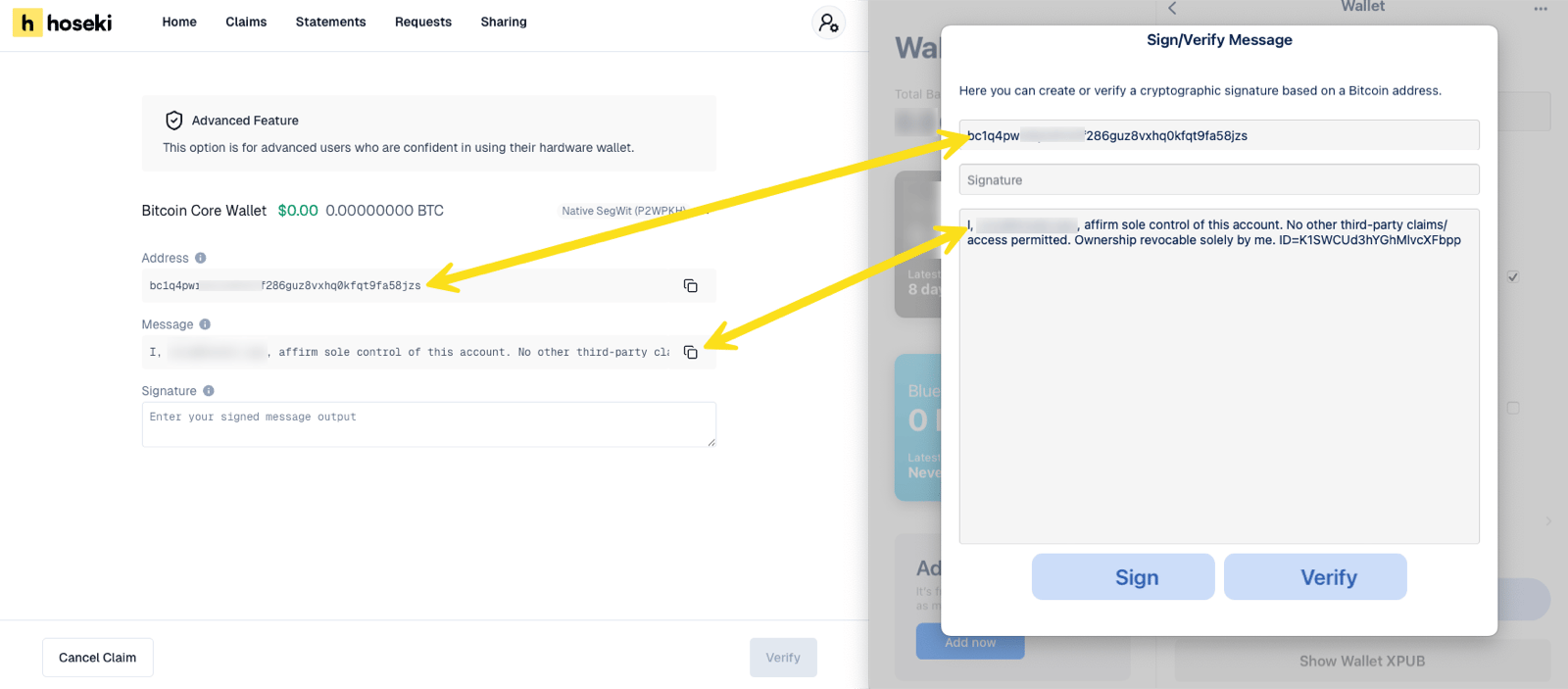
- BlueWallet
Sparrow works with most hardware wallets, including Keystone, BitBox, and Passport. Connect your device to Sparrow first.
-
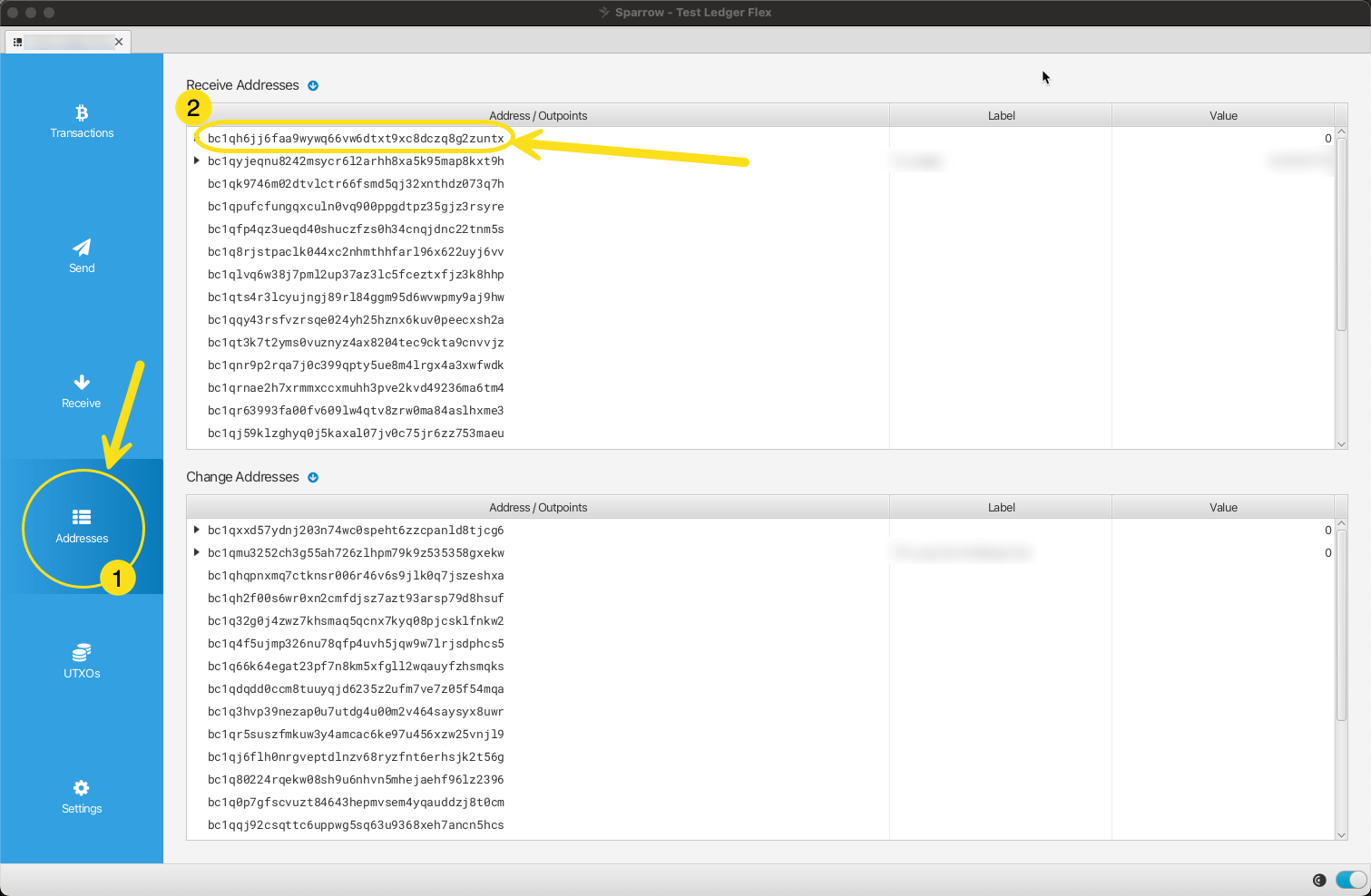
Open the Addresses tab. Find the address Prove shows. It is usually the first receive address.
-
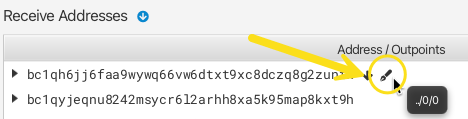
Select the pen icon on that row.
-
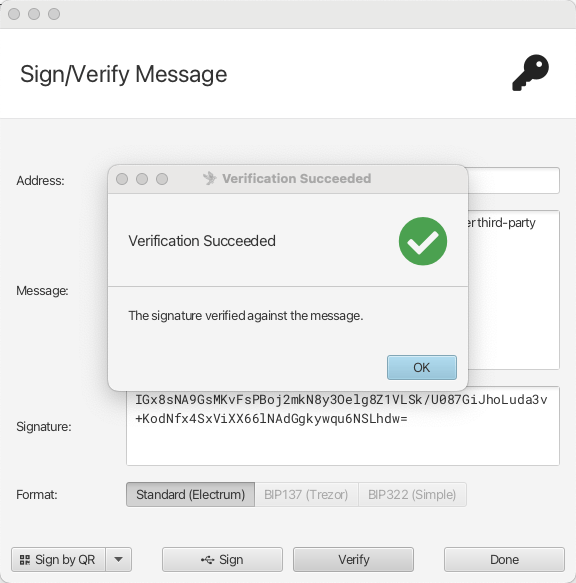
Paste the message from Prove into Message. Check the Address matches.
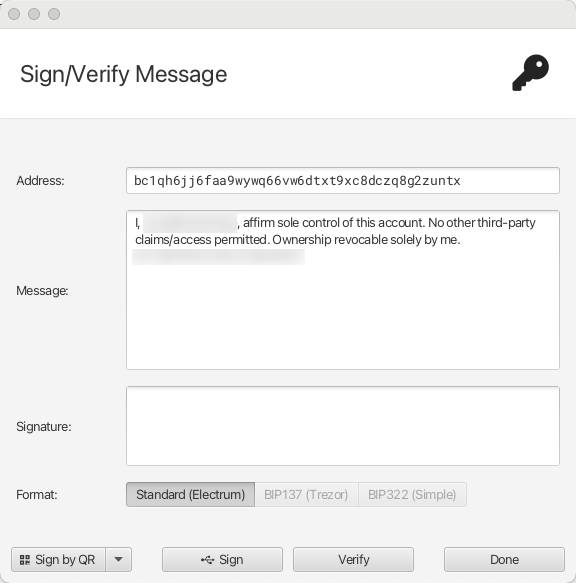
- Select Sign. Approve on your device by QR, USB, or SD card.
-
Copy the Signature. Optionally select Verify to check it first.