

In-place updates keep your data. Back up first anyway.
Sideloaded Control Center on StartOS before it was in the registry? Install it from the Community Registry to get updates in Marketplace.
Updating from an older version
Updating to 1.4.0
There’s nothing to do. Your PIN, accounts, settings, and statements carry over.- If you have accounts, finished the introduction, or connected a server, you won’t see the new Electrum server step. To change servers, see Change it later.
- On Blockstream’s public server, you may see a new strip that says Want more privacy? Connect your node, or close it.
- If an earlier import saved a private key, updating replaces it with the matching public key.
Updating to 1.1.0
Updating to 1.1.0 from 1.0 or earlier adds a PIN. You must set one before you can use the app.- On StartOS, a critical task says Set a PIN before using Bitcoin Control Center. Run Set PIN.
- On Mac and Windows, the app shows Set up your PIN the first time you open it.
Desktop update notice
The desktop app checks for a new version at launch and about once a day. When one exists, a notice appears at the bottom of the window.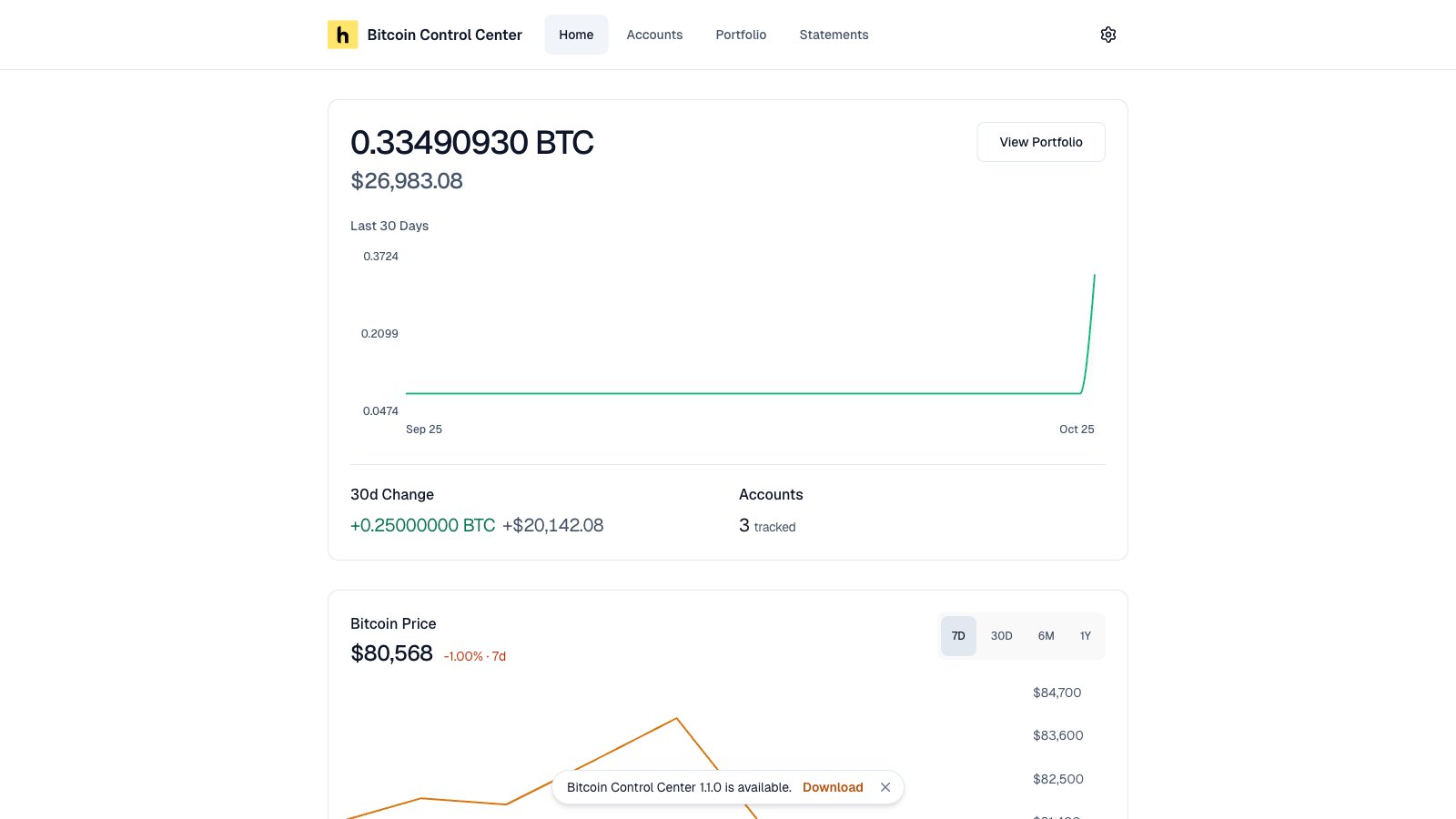
The update notice.
- Download opens bitcoincontrolcenter.com in your browser.
- × hides it until you restart the app or a newer version comes out.
Update the desktop app
- Quit fully. Use Quit in the tray menu, not just the window’s close button.
- Run the new installer.
- Open the app. Enter your PIN.
A statement that is generating when the app quits will fail. Generate it again after the update.